You can have the best test automation framework in the world, a talented QA team, and a rock-solid CI/CD pipeline — and still watch it all fall apart because of bad test data. Test data management is one of the most overlooked aspects of software quality, yet it quietly determines whether your tests are reliable, repeatable, and meaningful.
Why Test Data Is So Hard to Get Right
On the surface, it sounds simple: you need data to test against. But in practice, the challenges stack up quickly.
Production data is realistic but riddled with privacy concerns. Synthetic data is safe but often too clean to catch real-world bugs. Shared test environments get polluted when multiple testers and pipelines modify the same records. And hardcoded data buried in test scripts becomes a maintenance nightmare the moment your schema changes.
The result? Flaky tests, false positives, blocked pipelines, and hours of debugging that have nothing to do with actual defects. If you’ve ever heard someone say “oh, that test just fails sometimes,” there’s a good chance test data is the culprit.
The Core Principles of Good Test Data Management
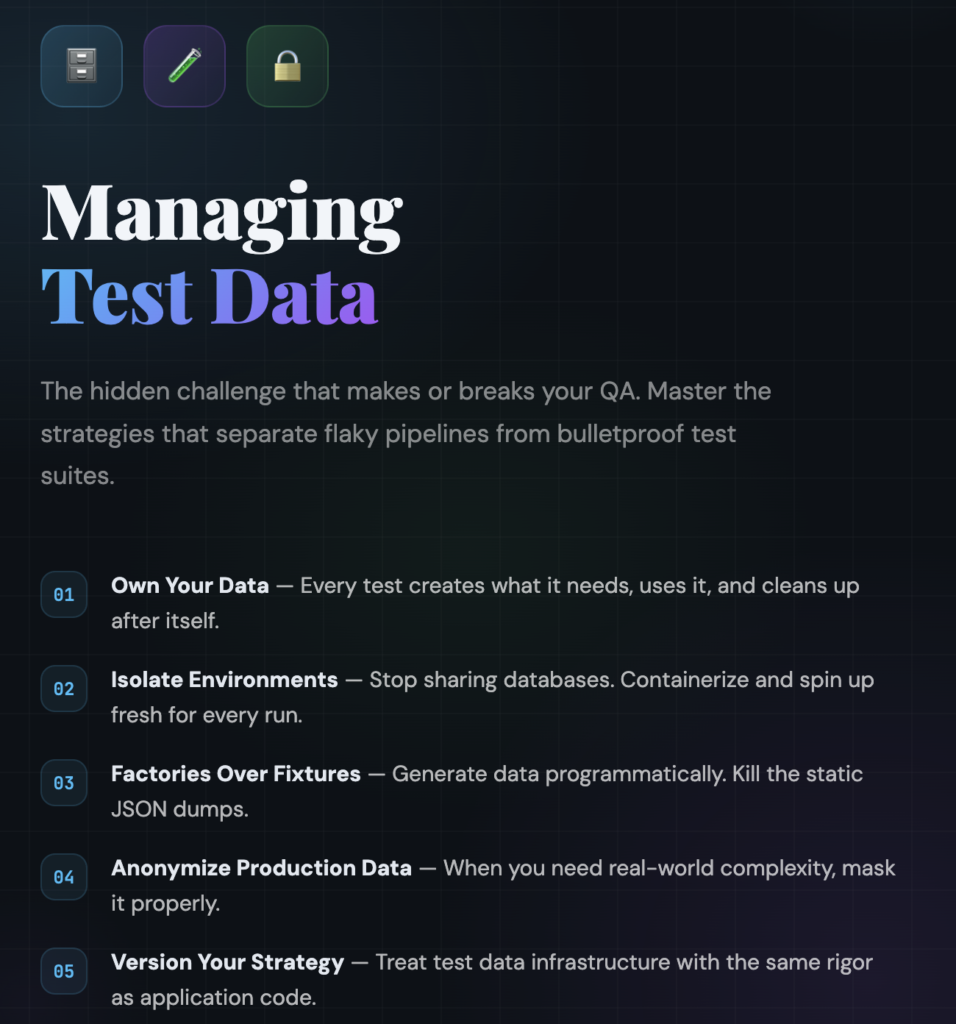
1. Tests Should Own Their Data
Every test should create the data it needs, use it, and clean it up afterward. This is the single most impactful principle you can adopt. When tests rely on pre-existing data in a shared environment, you introduce hidden dependencies. Test A passes only if Test B ran first. A manual tester deletes a record and suddenly the nightly suite is red.
Self-contained tests are predictable tests. Use setup and teardown hooks to create and destroy data for each test run. It takes more effort upfront, but it pays for itself immediately in reliability.
2. Separate Your Test Environments
Running QA tests against a shared staging database is a recipe for chaos. Ideally, each test run should operate against an isolated environment — whether that’s a dedicated database instance, a containerized environment spun up on demand, or an in-memory database for unit and integration tests.
Tools like Docker, Testcontainers, and ephemeral cloud environments have made this far more practical than it used to be. The cost of spinning up a fresh environment for each pipeline run is almost always less than the cost of debugging environment-related test failures.
3. Use Factories, Not Fixtures
Static fixture files — JSON dumps, SQL scripts, CSV imports — are fragile. They break when schemas change, they’re hard to read, and they tempt you into sharing data across tests.
Data factories (sometimes called builders) generate test data programmatically. Libraries like Factory Bot (Ruby), Faker (available in most languages), and Fishery (TypeScript) let you define templates for your data models and generate fresh, unique records on the fly. Need a user with three orders, each containing two items? A factory can build that in a single line of code, with randomized but realistic values.
4. Mask and Anonymize Production Data Carefully
Sometimes you genuinely need production-like data — for performance testing, for reproducing customer-reported bugs, or for validating complex business logic that’s hard to synthesize. When that’s the case, anonymization isn’t optional. It’s a legal and ethical requirement.
Good anonymization goes beyond replacing names with “John Doe.” You need to handle email addresses, phone numbers, IP addresses, geolocation data, financial information, and any field that could be used to re-identify someone. Tools like Tonic, Delphix, and open-source libraries can help, but always involve your security and legal teams in the process.
5. Version Your Test Data Strategy
Your test data approach should evolve alongside your application. When your schema changes, your factories should change. When new features introduce new data relationships, your test data templates should reflect them. Treat your test data infrastructure with the same rigor you treat your application code — version it, review it, and test it.
Common Anti-Patterns to Avoid
The “golden dataset” approach. One carefully curated dataset that every test depends on. It works great until someone modifies a record, and then twenty tests fail for reasons nobody understands.
Copy-pasting production snapshots. Taking a database dump from production and loading it into your test environment. Beyond the privacy risks, production data is a moving target — your tests become tightly coupled to a snapshot in time that quickly becomes stale.
Ignoring data cleanup. Tests that create data but never clean it up gradually pollute the environment. Over weeks and months, the accumulated junk data causes performance degradation, unexpected query results, and mysterious failures.
Hardcoded IDs and values. Tests that reference specific database IDs, usernames, or magic values are brittle and impossible to run in parallel. If your test assumes user ID 42 exists, it will break the moment someone runs it against a fresh database.
A Practical Starting Point
If your team is struggling with test data today, you don’t need to overhaul everything at once. Start with these steps:
First, audit your existing tests. Identify which ones depend on shared or pre-existing data and which ones are self-contained. The dependent ones are your highest-risk tests.
Second, introduce a data factory library into your project. Pick one that fits your language and framework, and start converting your most critical tests to use generated data.
Third, invest in environment isolation. Even if you can’t give every pipeline run its own database today, you can start by ensuring that parallel test runs don’t write to the same tables. Database transactions that roll back after each test are a lightweight way to achieve this.
Finally, make test data a topic in your code reviews. When someone opens a PR with a new test, ask: does this test clean up after itself? Does it depend on external state? Could it run in isolation? These questions, asked consistently, shift the team’s mindset over time.
The Payoff
Teams that invest in test data management see dramatic improvements in test reliability, developer confidence, and pipeline speed. Flaky tests drop. Debugging time shrinks. New team members can run the full test suite on day one without needing a walkthrough of “which tests to skip.” And perhaps most importantly, the QA team can focus on finding real bugs instead of wrestling with broken test infrastructure.
Test data isn’t glamorous. It doesn’t make for exciting conference talks or viral blog posts. But it’s the foundation that everything else in your QA practice rests on — and it deserves your attention.
Leave a Reply